The first thing you are going to want to do is to Create Groups.
These will be the Groups which will appear on your Portal Home Page. If you are a golf club, you might want to start with
Men, Ladies, and Juniors.
But then you may also want to create specific smaller groups which you may want to manage. For example, you can create a Wednesday Morning Men's Group. The groups can be as large or small as you like.
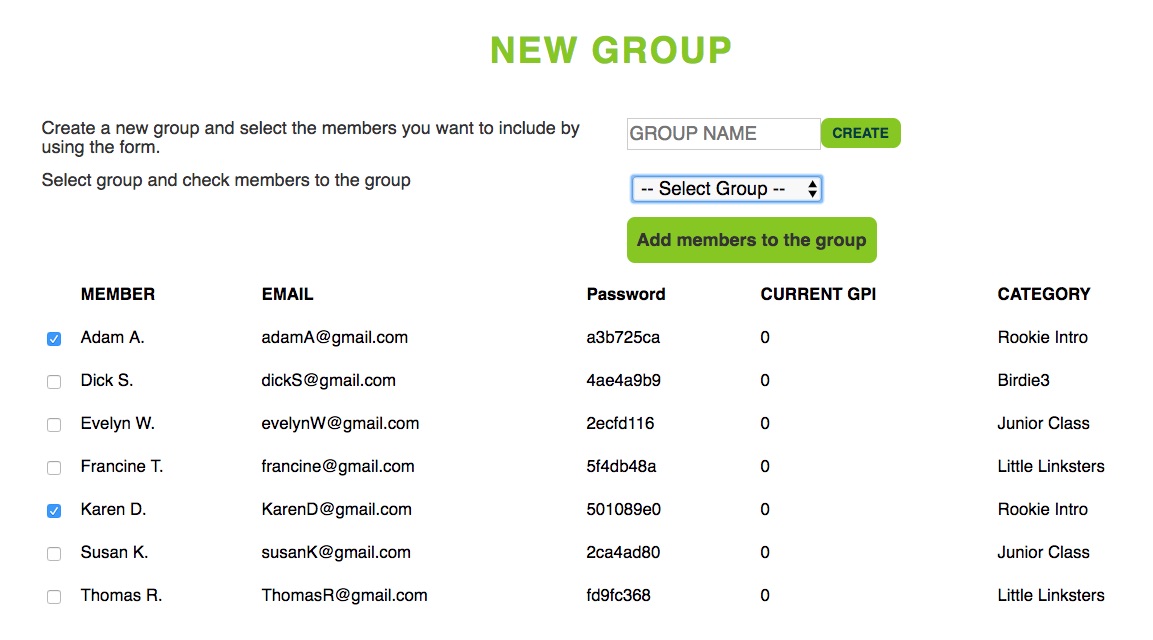
If you are a First Tee organization, you each have you own unique programs and will want to create the groups accordingly (for example, PLAYER, Par, Birdie, Eagle, Ace)
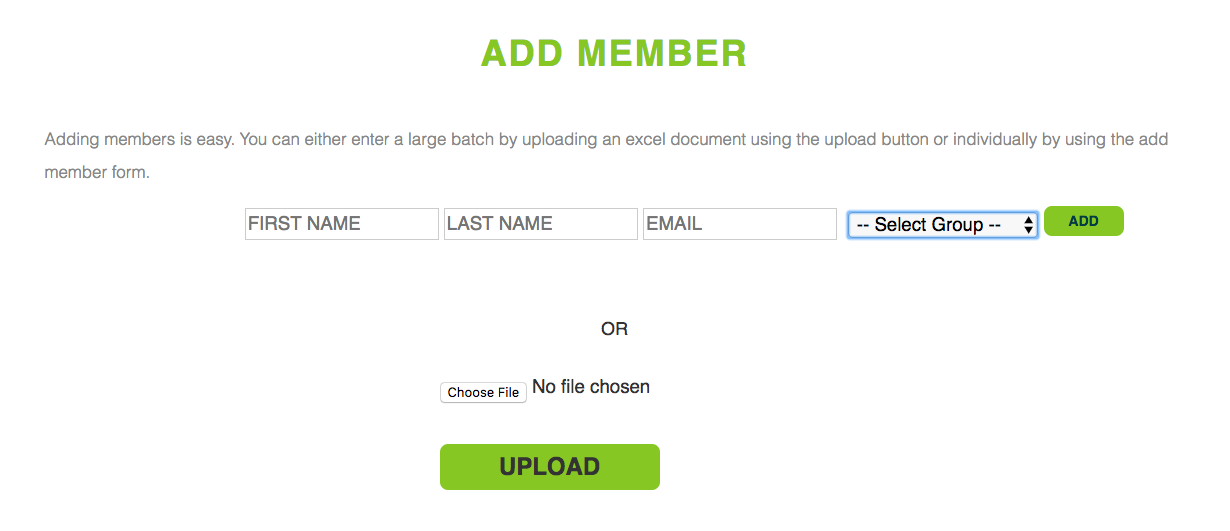
Once you have created your Groups, you can begin to add members to the portal. The easiest and fastest way to do this is to upload an excel sheet.
It should include:
- First name
- Last name (for Juniors, only last initial)
- Email address
- Group
Here is a sample excel to show you exactly how it should be formatted.
You can also add members manually using our simple drop down menu
Once you have uploaded the excel, our back end program does the rest. It will generate a temporary password for each of the member (they can then later login and choose their own password) and send a Welcome email with information about GPI and how to log in.
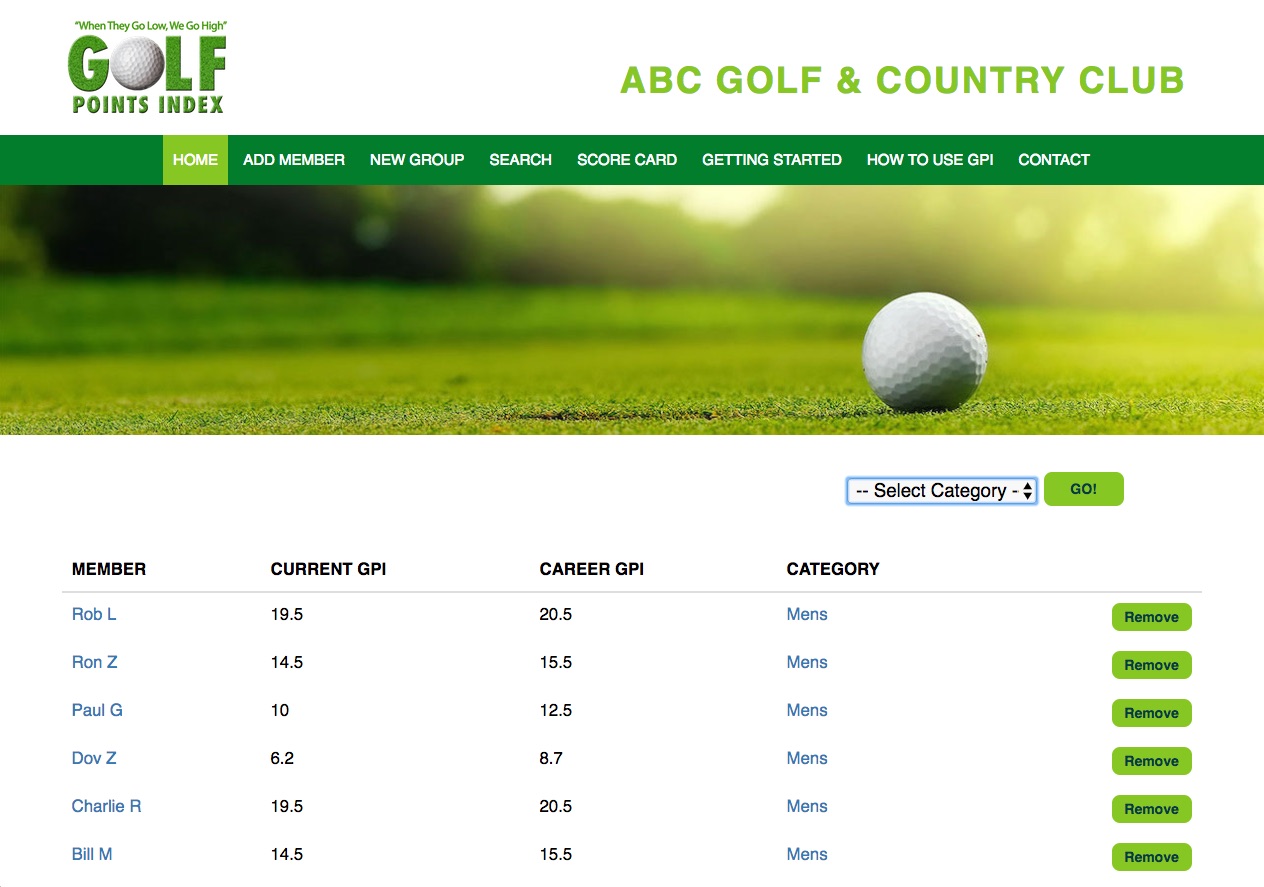
You will then see those members displayed on your GPI Portal home page